Loony Becomes a Brawl Stars Companion

Loony, Gus’s balloon buddy, is becoming a Brawl Stars companion for the Brawl-O-Ween event. The balloon will hang out on the Home screen rather than simply appearing as a passive decoration, with its role built around reacting to the player’s activity and offering additional daily-win rewards. That makes Loony both an event-facing character presence and part of the routine reward loop. The companion is designed to acknowledge matches and mischief while players move through the game. Its arrival gives the Home screen an interactive element tied to everyday play, with Loony able to react to what happens around it instead of remaining fixed in place. The feature also connects the companion directly to daily progress through a separate loot mechanic.
Loony’s presentation is intentionally hands-on. Players can poke, drag, shake, squeeze and throw the balloon, although the feature’s description asks players to be gentle because Loony has feelings. Those actions establish that the companion is meant to be handled from the Home screen, not only observed between matches. That interaction is important to the feature’s tone. Loony is framed as Gus’s balloon buddy, so the companion is given a personality alongside its practical reward purpose. The result is a Home screen character that can be played with while also responding to the broader rhythm of wins, setbacks and progression. Players who want the companion’s rewards do not have to treat its personality elements as a separate mode; both parts sit within the same companion feature during Brawl-O-Ween.
Loony reacts to play and player input
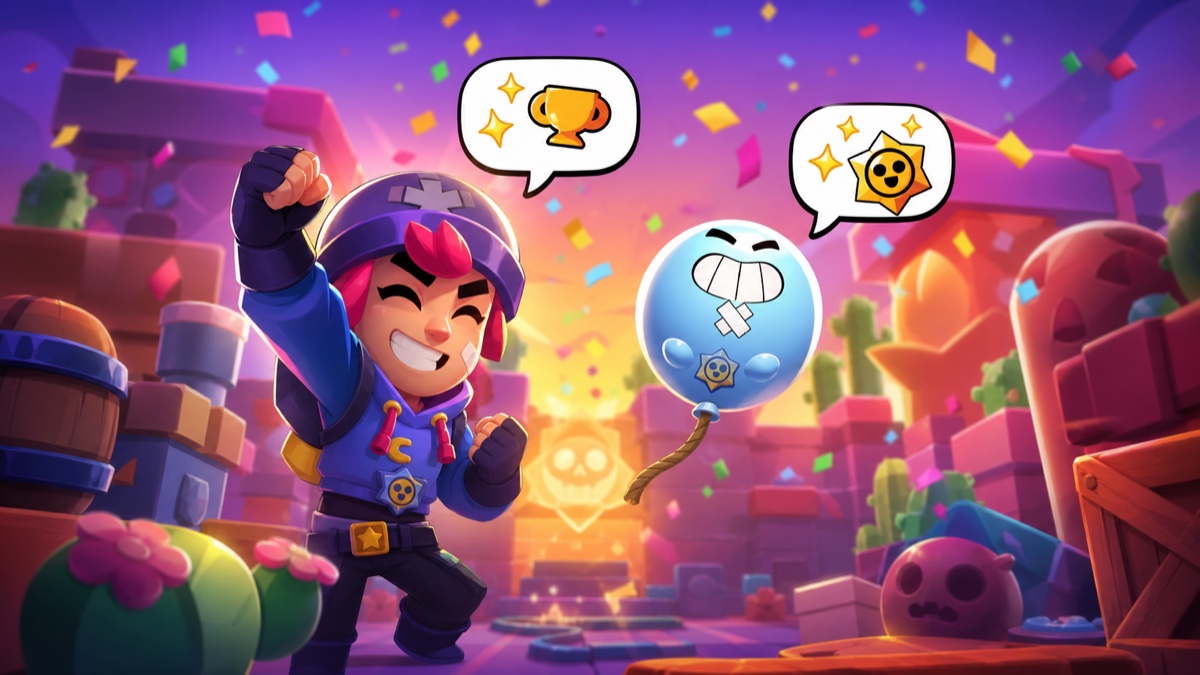
Loony can communicate through speech bubbles based on player interactions and game events. The dialogue allows the companion to respond to moments connected with play rather than limiting its reactions to direct handling. Wins, losses, Trophy milestones and unlocks are among the events that can prompt those bubbles, giving the companion a way to acknowledge different outcomes and progression moments. The dialogue is optional. A Loony Dialogue toggle in Settings can turn the speech bubbles off; the feature describes this choice as taping Loony’s mouth shut. This control separates the visual companion and reward system from its conversational layer, so players can keep Loony on the Home screen without leaving dialogue enabled. It is a straightforward setting for anyone who prefers the companion’s presence and rewards without its spoken reactions.
The companion’s reactions and its loot are related by the same daily-play focus, but they serve different purposes. The dialogue and physical interactions give Loony character on the Home screen, while the reward track gives players a defined reason to check daily progress. Neither part replaces the other: one is about how the companion responds, and the other is about how completed Daily Wins are converted into a claimable payout. Loony’s Loot follows the reset pattern used for Daily Wins. Every daily win sends a reward flying into Loony and fills it further, but that progress does not carry over indefinitely because it resets each day. This creates a clear daily window for completing the track. The system also sets a full-completion condition before the loot can be opened, so partial daily progress is not presented as an immediately claimable reward.
How Loony’s Loot is claimed
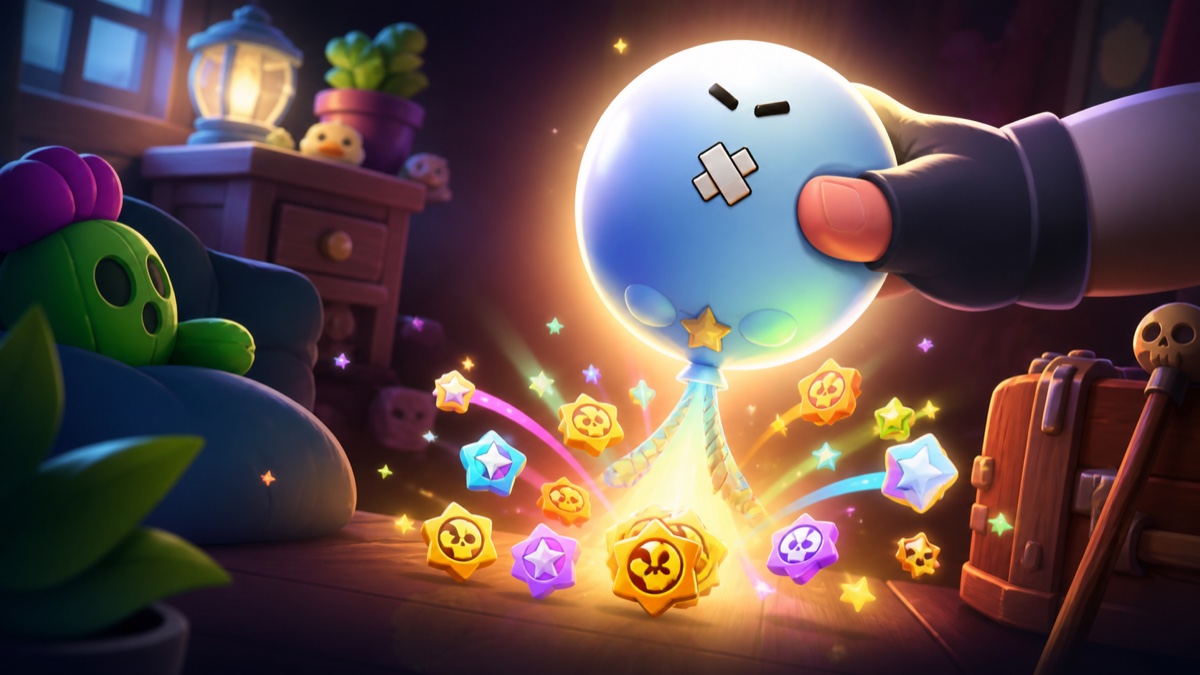
Loony’s Loot is filled by daily wins, with each win adding a reward to the companion. The reward pool can contain Starr Drops or Chaos Drops, and the number of Starr Drops available in a day can range from zero to two. The key rule is that the loot is not opened incrementally: players must complete the full daily-win requirement before claiming it. Once the requirement is met, Loony provides a visual cue. A pulsing animation shows that rewards are ready, and players open the balloon by pressing and holding it. The claim action therefore arrives only at the end of the completed daily sequence, turning the companion itself into the place where the day’s loot is collected.
- Complete up to six daily wins in the day; the maximum daily total is six wins.
- Finish all six daily wins before Loony’s Loot becomes claimable.
- Press and hold Loony to pop it open after the pulsing ready animation appears.
- Expect Starr Drops or Chaos Drops from the loot, with zero to two Starr Drops possible in a day.
| Loony trigger or option | Companion response or control |
|---|---|
| Game events | Speech bubbles can react to wins, losses, Trophy milestones, unlocks and more. |
| Settings choice | The Loony Dialogue toggle disables the companion’s dialogue. |
Loony’s Brawl-O-Ween role combines an interactive Home screen companion with a daily-win reward destination. Players who complete all six daily wins but forget to open Loony before the daily reset will not lose the completed payout: the rewards are granted automatically the next day. That safeguard closes the loop on the companion’s daily loot track while keeping the full-completion requirement in place.